
Your Browsing History







Featured Brands








SHOP BY Type
Quick View
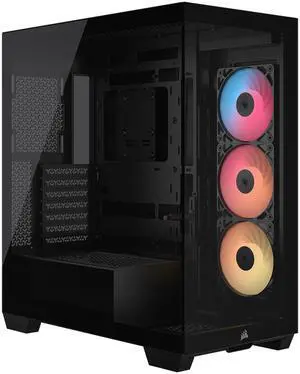
CORSAIR 3500X RS-R ARGB Mid-Tower PC Case – 3x Pre-Installed RS120-R ARGB Fans – GPU Anti-Sag Arm – Tempered Glass – Fits up to 10x 120mm Fans – Reverse Connection Motherboard Compatible
- Model #: CC-9011322-WW
- $119.99
- $79.99 –
- Save: 33%
- Free Shipping
Quick View
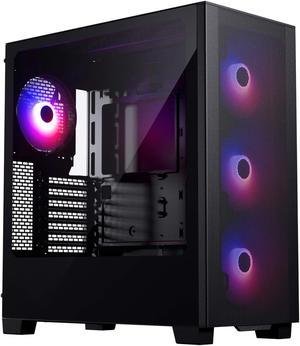
Phanteks XT Pro Ultra, Mid-Tower Gaming Chassis, 4x M25-140 Fans Included, High Airflow Performance Mesh, Tempered Glass Window, USB-C 3.2 Gen2, Black
- Model #: PH-XT523P1_DBK01
- $79.99 –
- $69.99 after $10.00 rebate
- More options from $49.31 - $139.77
- Free Shipping
Quick View
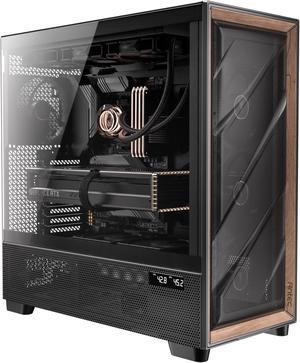
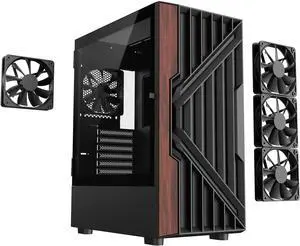
DIYPC DIY-G18-WD Black USB3.0 /Type C ATX Mid Tower Gaming Computer Case w/ Tempered Glass Side Panel and Walnut Wood Front Panel. 4 x 120mm PWM Fan Pre-Installed
- Model #: DIY-G18-WD
- $99.99
- $55.90 –
- Save: 44%
- Free Shipping
Quick View
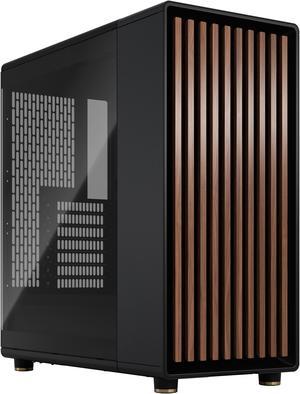
Fractal Design North ATX mATX Mid Tower PC Case - North Charcoal Black with Walnut Front and Dark Tinted TG Side Panel

- Model #: FD-C-NOR1C-02
- $154.99 –
- More options from $154.44 - $335.11
- $9.99 Shipping
Quick View
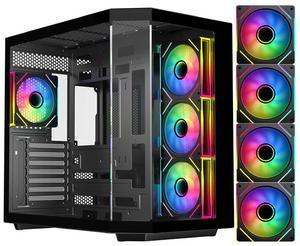
DIYPC ARGB-N3-BK Black USB3.0/ Type C Tempered Glass E-ATX /ATX Gaming Computer Case w/ 3 x Tempered Glass Panel and 4 x ARGB PWM Fans (Pre-Installed). Support BTF Back Plug MB
+ $5 off w/ promo code MAP234, limited offer
- Model #: ARGB-N3-BK
- $109.99
- $74.98 –
- Save: 31%
- Free Shipping
Quick View
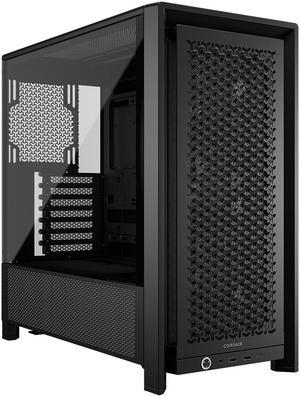
Corsair FRAME 4000D RS Black Steel / Tempered Glass ATX Mid Tower Computer Case-Case- 3X CORSAIR RS Fans
- Model #: CC-9011312-WW
- $114.99 –
- More options from $90.00 - $114.99
- Free Shipping
Quick View
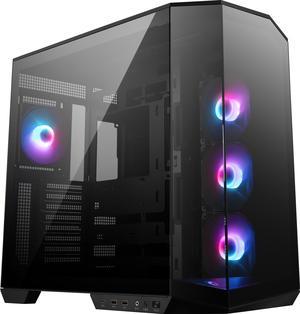
MSI MAG PANO 100R PZ Project Zero Mid Tower ATX Gaming Case, Tempered Glass, Support Back-Connect, 270-degree Panoramic Display, GPU Support Stand, 4 ARGB Fans

- Model #: PANO100RPZ
- $129.99
- $99.99 –
- Save: 23%
- $89.99 after $10.00 rebate card
- More options from $90.00 - $298.44
- Free Shipping
Quick View
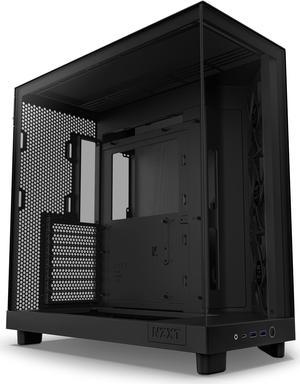
- $109.99
- $89.99 –
- Save: 18%
- More options from $89.99 - $167.59
- $2.99 Shipping
Quick View
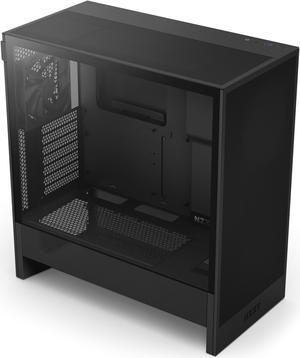
- $94.99
- $79.99 –
- Save: 15%
- More options from $74.99 - $154.64
- $7.99 Shipping
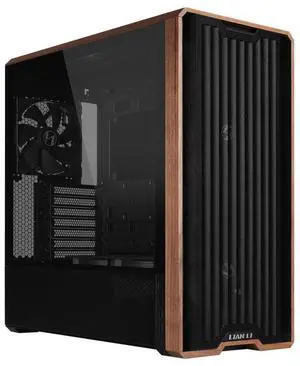
Quick View
Lian Li LANCOOL 217 Genuine Walnut Wood Computer Case, Mid-Tower ATX PC Case with 5 Pre-Installed PWM Fans 2x170mm, 2x120mm & 1x140mm, Flexible PSU & Cable Installation - Black (LAN217X)
$5 promotional gift card w/ purchase, limited offer
- Model #: LAN217X
- $132.99
- $119.99 –
- Save: 9%
- More options from $79.31 - $190.30
- Free Shipping
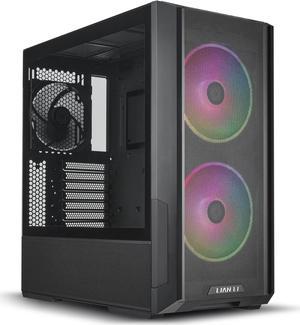
Quick View
LIAN LI LANCOOL 216RX Black Steel / Tempered Glass ATX Mid Tower Computer Case ,2x 16 cm ARGB Fans Included ----LANCOOL 216RX
$10 promotional gift card w/ purchase, limited offer
- Model #: LANCOOL 216RX
- $102.99 –
- More options from $102.99 - $192.52
- Free Shipping
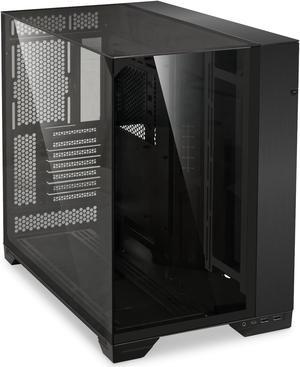
Quick View
in 30 days
LIAN LI O11 Vision Black Aluminum / Steel / Tempered Glass ATX Mid Tower Computer Case ----- O11VX- Model #: O11VX
- $149.99
- $114.99 –
- Save: 23%
- More options from $114.99 - $205.23
- Free Shipping
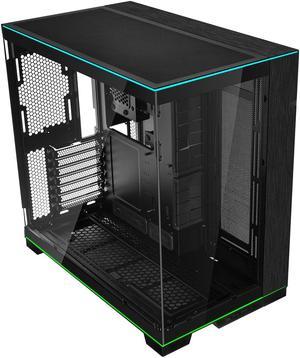
Quick View
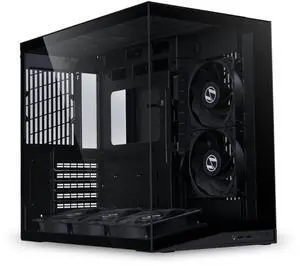
LIAN LI O11 Dynamic EVO RGB Black Aluminum / Steel / Tempered Glass ATX Mid Tower Computer Case----O11DERGBX
- Model #: O11DERGBX
- $172.99
- $159.99 –
- Save: 7%
- More options from $159.99 - $257.10
- Free Shipping
Quick View
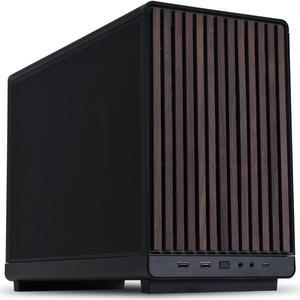
Lian Li A3-mATX PC Case - Wood Edition - Micro ATX Case - Supports 360mm AIO Cooler & 415mm GPU - Wood Front Panel - No Fans Included - Black (A3X-WD)
- Model #: A3-mATX-WD Black
- $99.99
- $89.99 –
- Save: 10%
- More options from $89.99 - $158.97
- Free Shipping
Quick View
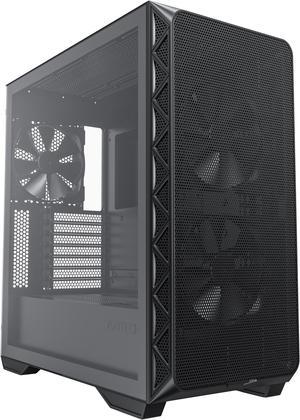
Montech AIR 903 BASE, E-ATX Mid Tower Case, High Airflow with Max Capacity, 3x 140mm PWM Fans Pre-installed, Tempered Glass Side Panel, Mesh Front, TYPE-C, Support 4090 GPUs, Black
- Model #: AIR 903 BASE (B)
- $70.99
- $65.00 –
- Save: 8%
- More options from $65.00 - $82.64
- Free Shipping
Quick View
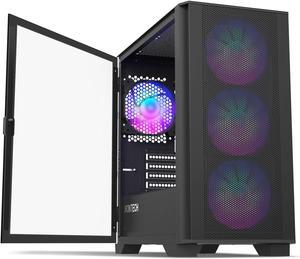
Montech AIR 100 ARGB MICRO-ATX Tower with Four ARGB Fans Pre Installed, Ultra-Minimalist Design, Fine Mesh Front Panel, High Airflow, Unique Side Swivel Tempered Glass, Dust Protection, Black
- Model #: AIR 100 ARGB(B)
- $79.99
- $69.90 –
- Save: 12%
- More options from $69.90 - $81.20
- Free Shipping
Quick View
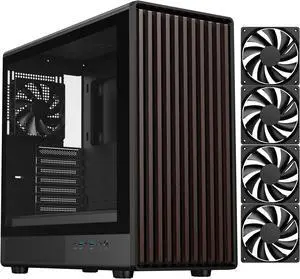
DIYPC DIY-ATX08-Wood Black USB3.0 /Type C ATX Mid Tower Gaming Computer Case w/ Tempered Glass Side Panel and Walnut Wood Front Panel, 4 x 120mm PWM Fans Pre-Installed
+ $5 off w/ promo code MKLPF, limited offer
- Model #: DIY-ATX08-Wood
- $99.99
- $74.94 –
- Save: 25%
- Free Shipping
Quick View
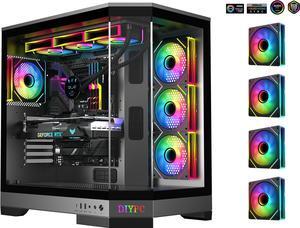
DIYPC Vanguard-F1-BK -Black Dual USB3.0 and Type C Tempered Glass ATX Full Tower Gaming Computer Case w/ 4 x ARGB PWM Fans (3 x MB Side, 1 x Rear) Pre-Installed.
- Model #: Vanguard-F1-BK
- $169.99
- $125.94 –
- Save: 25%
- Free Shipping
Quick View
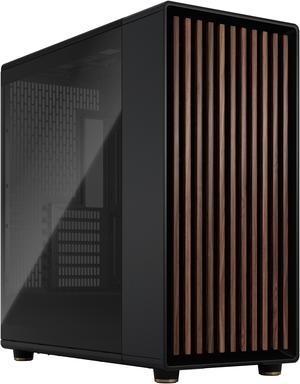
Fractal Design North XL ATX mATX Full Tower PC Case - Charcoal Black Chassis with Walnut Front and Dark Tinted TG Side Panel - FD-C-NOR1X-02
- Model #: FD-C-NOR1X-02
- $194.99 –
- More options from $183.44 - $366.44
- $12.99 Shipping
Quick View
in 30 days
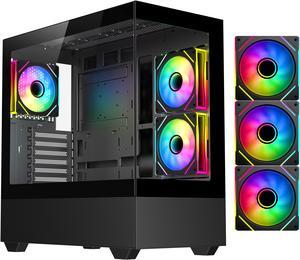
DIYPC ARGB-N5-BK Black USB3.0 / Type C ATX Mid Tower Gaming Computer Case w/2 x Tempered Glass Side Panel and 3 x ARGB PWM Fans Pre-Installed, Support BTF Back Plug MB- Model #: ARGB-N5-BK
- $99.99
- $56.97 –
- Save: 43%
- $3.99 Shipping
Quick View
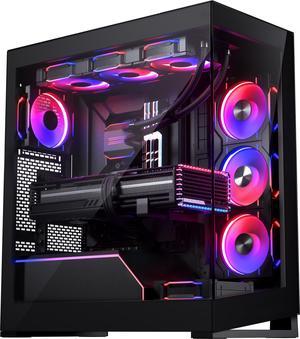
Phanteks NV5 MK2, Showcase Mid-Tower Chassis, Rear-Connect MB Support, Integrated D/A-RGB Lighting, Seamless Tempered Glass Design, 8x Fan Positions, Black
- Model #: PH-NV523TG_DBK02
- $99.99 –
- $89.99 after $10.00 rebate
- More options from $99.99 - $261.44
- Free Shipping
Quick View
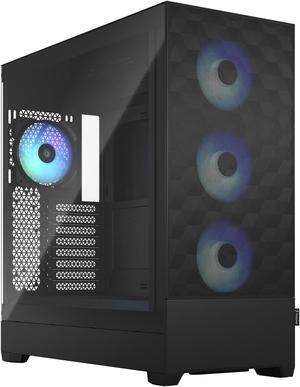
Fractal Design Pop XL Air RGB Black TG ATX High-Airflow Clear Tempered Glass Window Full Tower Computer Case
- Model #: FD-C-POR1X-06
- $119.99 –
- More options from $115.44 - $223.72
- $9.99 Shipping
Quick View
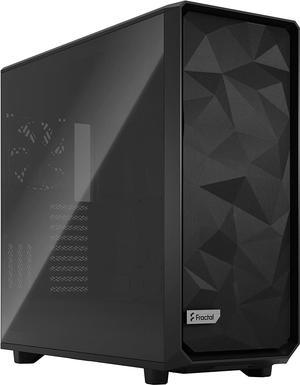
Fractal Design Meshify 2 XL Black ATX Flexible Light Tinted Tempered Glass Window Full Tower Computer Case
- Model #: FD-C-MES2X-02
- $219.99 –
- More options from $219.99 - $408.88
- $19.99 Shipping
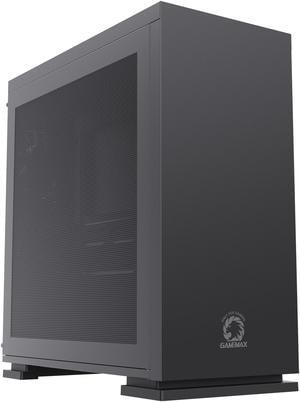
Quick View
Gamemax M60 Black Steel Micro ATX Tower USB3.0 Computer Case w/ Dual Mesh Side Panels
- Model #: M60 Black
- $79.99
- $38.99 –
- Save: 51%
- $5.99 Shipping
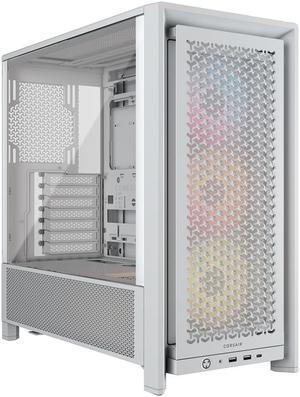
Quick View
Corsair FRAME 4000D RS ARGB White Steel / Tempered Glass ATX Mid Tower Computer Case
- Model #: CC-9011297-WW
- $124.99 –
- More options from $124.99 - $178.79
- Free Shipping
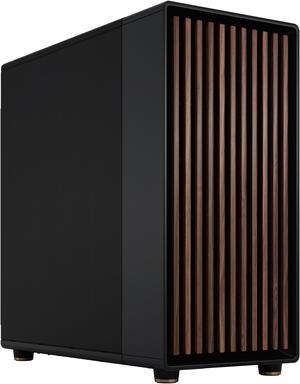
Quick View
Fractal Design North XL ATX mATX Mid Tower PC Case - Charcoal Black Chassis with Walnut Front and Mesh Side Panel - FD-C-NOR1X-01
- Model #: FD-C-NOR1X-01
- $194.99 –
- More options from $194.99 - $318.20
- $12.99 Shipping
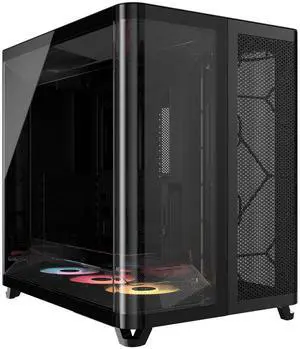
Quick View
Corsair AIR 5400 RS-R ARGB Triple Chamber Mid-Tower PC Case-Black with 3x RS-R 120mm reverse PWM ARGB fans Pre-installed, BTF Back Plug Motherboard Design
- Model #: CC-9011318-WW
- $229.99
- $204.99 –
- Save: 10%
- Free Shipping
Quick View
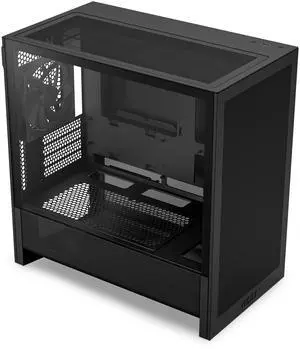
NZXT CC-H31FB-01 Black tinted tempered glass Micro ATX Cases Case (Computer Cases - ATX Form)
- Model #: CC-H31FB-01
- $69.99
- $59.99 –
- Save: 14%
- More options from $59.99 - $110.73
- $2.99 Shipping
Quick View
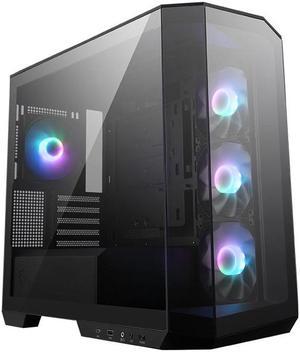
MSI MAG PANO M100R PZ Micro-ATX PC Case - Supports Back-Connect Motherboard, 4 ARGB Fans, Lighting Hub, GPU Support Stand, Dust Filters, USB Type-C (20Gbps), 270-degree Panoramic Display
- Model #: MAG PANO M100R PZ
- $109.99
- $89.99 –
- Save: 18%
- $79.99 after $10.00 rebate card
- More options from $89.99 - $166.14
- $1.99 Shipping
Quick View

- $69.99 –
- More options from $56.66 - $129.31
- $5.99 Shipping
| Learn About Computer Cases | |
|---|---|
What Is a Computer Case and How Do I Choose One?A computer case (or chassis) houses and protects your PC’s internal components such as the motherboard , CPU , GPU , storage , and power supply . Modern cases use steel or aluminum construction with tempered-glass panels, enhanced airflow routing, and support for large GPUs and advanced cooling systems. Before choosing a case, always check GPU clearance, CPU cooler height, radiator support, and compatibility with ATX 3.1 / 12V-2x6 power supplies. Case sizes come in three major formats:
Want to dig deeper into case sizes, form factors, and build-compatibility recommendations? Check out the full guide on Newegg Insider – Computer Case Size Buying Guide for a technical overview and detailed advice on choosing the right chassis for your build. In 2025, as GPUs and cooling systems continue to increase in size, selecting the right case ensures proper airflow, thermal efficiency, and upgrade flexibility. PC Gaming Cases Offer Optimal Cooling and ExpansionFor high-performance gaming builds, a gaming case offers superior airflow, expansion, and component clearance. Many modern gaming cases provide:
Smaller microATX and mini-ITX cases remain popular for portable setups, offering vertical GPU mounts, removable drive cages, and edge-to-edge glass panels for clean, modern layouts.
| HTPC Cases for a Clean Home Theater SetupAn HTPC media center case is ideal for living-room entertainment PCs or compact desks. These cases typically include:
Server Chassis and Industrial CasesBusinesses and data centers rely on robust server chassis designed for reliability and scalability. Options vary depending on deployment needs:
Rackmount systems enable easier cable management and modular expansion for enterprise environments. Benefits of an ATX Case for Your BuildATX cases remain the most versatile option for gaming, workstation, and content creation systems. They offer:
Whether building a 4K gaming PC or an AI-focused workstation, ATX cases offer long-term upgrade flexibility. Shop Computer Cases at NeweggNewegg offers a wide selection of computer cases — from compact SFF designs to large E-ATX full towers. Browse enclosures with tempered glass, mesh airflow fronts, RGB lighting, and liquid-cooling support to find the perfect chassis for your next build. |
Last Updated: March 2026 | Newegg Computer Case Buying Guide
Computer Case / PC Chassis FAQs:
What does a computer case do in a PC build?
A computer case houses and protects your components while defining airflow, cooling potential, and upgrade flexibility for your entire system.
or side) and ensure there's enough clearance above RAM and VRM heatsinks.When should I upgrade my PC case?
Upgrade when your case limits airflow, GPU size, cooling support, or cable management—especially when installing newer or larger components.
What case size do I need: ATX, Micro ATX, or Mini ITX?
Choose based on your motherboard size. ATX offers maximum expansion, Micro ATX balances size and flexibility, and Mini ITX is ideal for compact builds.
How do I check GPU and CPU cooler clearance?
Compare your component dimensions with the case specifications, including GPU length, CPU cooler height, and radiator clearance if needed.
Are mesh-front cases better for airflow?
Mesh-front designs typically allow better airflow than solid panels, helping reduce system temperatures in high-performance builds.
How many case fans do I need?
Most builds start with 2–3 intake fans and 1 exhaust fan, adjusted based on heat output and cooling requirements.
What is positive vs negative air pressure?
Positive pressure uses more intake than exhaust to reduce dust, while negative pressure increases airflow but may draw in more dust.
Do I need liquid cooling support in a case?
Only if you plan to use an AIO or custom loop. Check radiator size and mounting support before choosing a case.
What cable management features should I look for?
Look for routing channels, tie-down points, and space behind the motherboard tray to improve airflow and build quality.
What is a panoramic view PC case?
A panoramic case features large tempered glass panels designed to showcase internal components and lighting.
Are tempered glass cases harder to cool?
Cooling depends on airflow design, not just materials. Many glass cases perform well with proper fan configuration.
What front ports should I look for?
USB-C is increasingly important for modern devices, while USB-A and audio ports remain essential for everyday use.
Can I reuse my old power supply in a new case?
Most cases support ATX power supplies, but smaller cases may require SFX units—always verify compatibility.
What case features help reduce noise?
Efficient airflow, quality fans, and vibration-dampening mounts help reduce noise during operation.
What’s the best way to shop PC cases?
Filter by form factor, GPU clearance, and cooling support, then compare top-rated models to find the best fit.
What is the difference between full tower, mid tower, and mini ITX cases?
Full towers offer maximum space and expansion, mid towers balance size and features, while mini ITX cases focus on compact builds.
How do airflow-focused cases compare to tempered glass cases?
Airflow-focused cases prioritize cooling performance, while glass cases emphasize aesthetics—many modern designs combine both.
What is the difference between open-air and enclosed cases?
Open-air cases provide maximum airflow and accessibility, while enclosed cases offer better protection and controlled airflow paths.
How do different case materials compare?
Steel is durable and cost-effective, aluminum is lighter, and tempered glass enhances aesthetics but requires careful airflow design.
What is the difference between gaming and standard PC cases?
Gaming cases typically offer better cooling, larger GPU support, and visual features, while standard cases focus on basic functionality.
How do I choose the right computer case?
Start with motherboard size, then consider airflow, GPU clearance, cooling support, and future upgrade needs.
What size case do I need for my components?
Match your case to your motherboard, GPU length, and cooling setup to ensure proper fit and performance.
Do I need a full tower case or is mid tower enough?
Most builds work well in mid tower cases, while full towers are ideal for maximum expansion and advanced cooling setups.
What are common issues when buying a PC case?
Common issues include compatibility mismatches, limited airflow, and insufficient space for large GPUs or cooling systems.
How do I install components into a PC case?
Install the motherboard, power supply, storage, and cooling components step by step, following the case layout and manual.
Bestselling Computer Cases Reviews:
Anonymous
5/21/2026 7:25:50 AM
Great product, easy to use
“ nice big case ”
Phanteks Enthoo Pro series PH-ES614PC_BK Black Steel / Plastic ATX Full Tower Computer Case (non-power supply cover)Victor K.
5/19/2026 7:49:36 AM
Great Case
“ A big modern case makes building a system easy. ”
Phanteks Enthoo Pro series PH-ES614PC_BK Black Steel / Plastic ATX Full Tower Computer Case (non-power supply cover)Charles Z.
5/19/2026 6:27:09 AM
Great case + PSU for the price
“ Built two systems with this case + psu combo, both are working great! ”
Rosewill FBM-X7 Black ATX Mid Tower Case - Hinged Tempered Glass Side Panel, High Airflow, 4x PWM ARGB Fans, Pre-Installed 650W 80+ Gold PSUAnonymous
5/13/2026 9:33:27 AM
Very satisfied!
“ this case is the one that made (personally) my PC glow. ”
NZXT H6 FLOW RGB Compact Dual-Chamber Mid-Tower Airflow Case, White, CC-H61FW-R1Elijah B.
5/12/2026 9:01:30 AM
Awesome Looking! Easy to work in!
“ New favorite case! ”
Corsair FRAME 4000D RS Black Steel / Tempered Glass ATX Mid Tower Computer Case- 3X CORSAIR RS FansAnonymous
5/9/2026 2:25:27 PM
Its great for the value
“ Its really good case overall. ”
DIYPC ARGB-DC100-BK Black Dual USB3.0 Tempered Glass Micro ATX Gaming Computer Case w/ 3 x ARGB PWM Fans (Pre-Installed)Anonymous
5/5/2026 7:55:27 PM
Great case!
“ I have built several systems in this case now. ”
Fractal Design Torrent E-ATX Black Solid High-Airflow Mid Tower Computer CaseRobert M.
5/5/2026 7:49:31 PM
Worlds Best case
“ This is the worlds best case for PC. ”
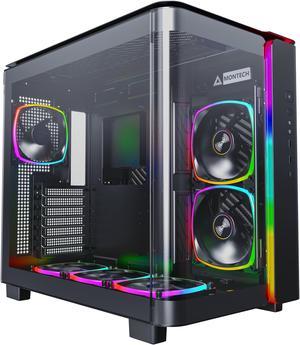
MONTECH, KING 95 PRO Dual-Chamber ATX Mid-Tower PC Gaming Case, High-Airflow, Toolless Panels, Sturdy Curved Tempered Glass Front, Six ARGB PWM Fan Pre-installed with Fan Hub, Black