
Wi-Fi 7 has moved from early-adopter curiosity to mainstream upgrade. With the IEEE 802.11be standard finalized and Wi-Fi Certified 7 devices everywhere, 2026 is the year the technology hits a sweet spot of mature firmware, broad client support, and prices that finally reach into double digits. But the spec sheets are dense, the throughput labels (BE3600, BE9300, BE19000, BE20800) are confusing, and not everyone needs the most expensive box on the shelf. This FAQ-led guide breaks down what actually matters and which routers are worth buying right now.
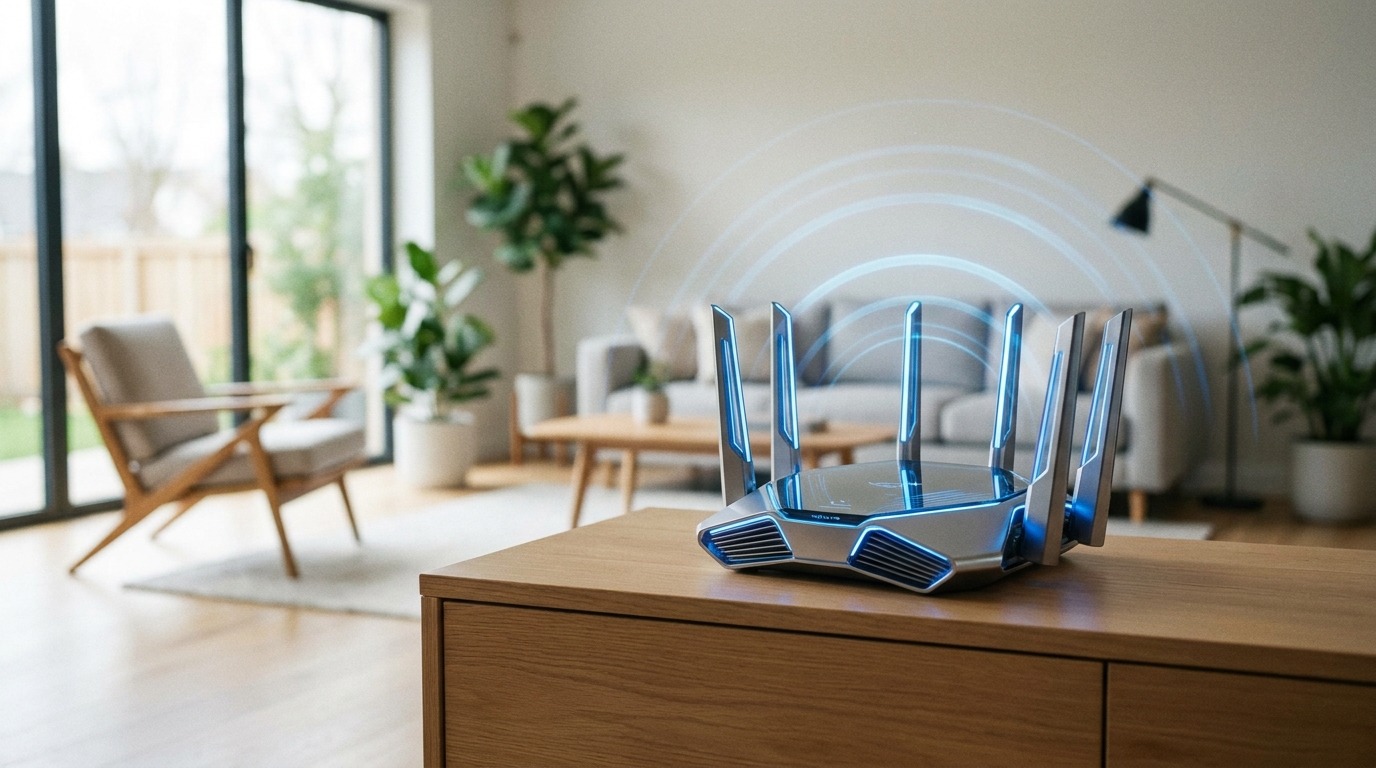
What is Wi-Fi 7, and is it really faster?
Wi-Fi 7 is the marketing name for IEEE 802.11be, also called Extremely High Throughput (EHT). It builds on Wi-Fi 6/6E and operates across the 2.4GHz, 5GHz, and 6GHz bands. The short answer is yes, it is meaningfully faster, but the bigger story is consistency and latency. Three core upgrades do the heavy lifting: 320MHz channel width (double the 160MHz max of Wi-Fi 6), 4096-QAM (4K-QAM, which packs 12 bits per symbol versus 1024-QAM’s 10, for roughly 20% higher theoretical rates), and Multi-Link Operation. Together they push real-world throughput well past Wi-Fi 6 on capable devices.
What is MLO, and why does everyone keep mentioning it?
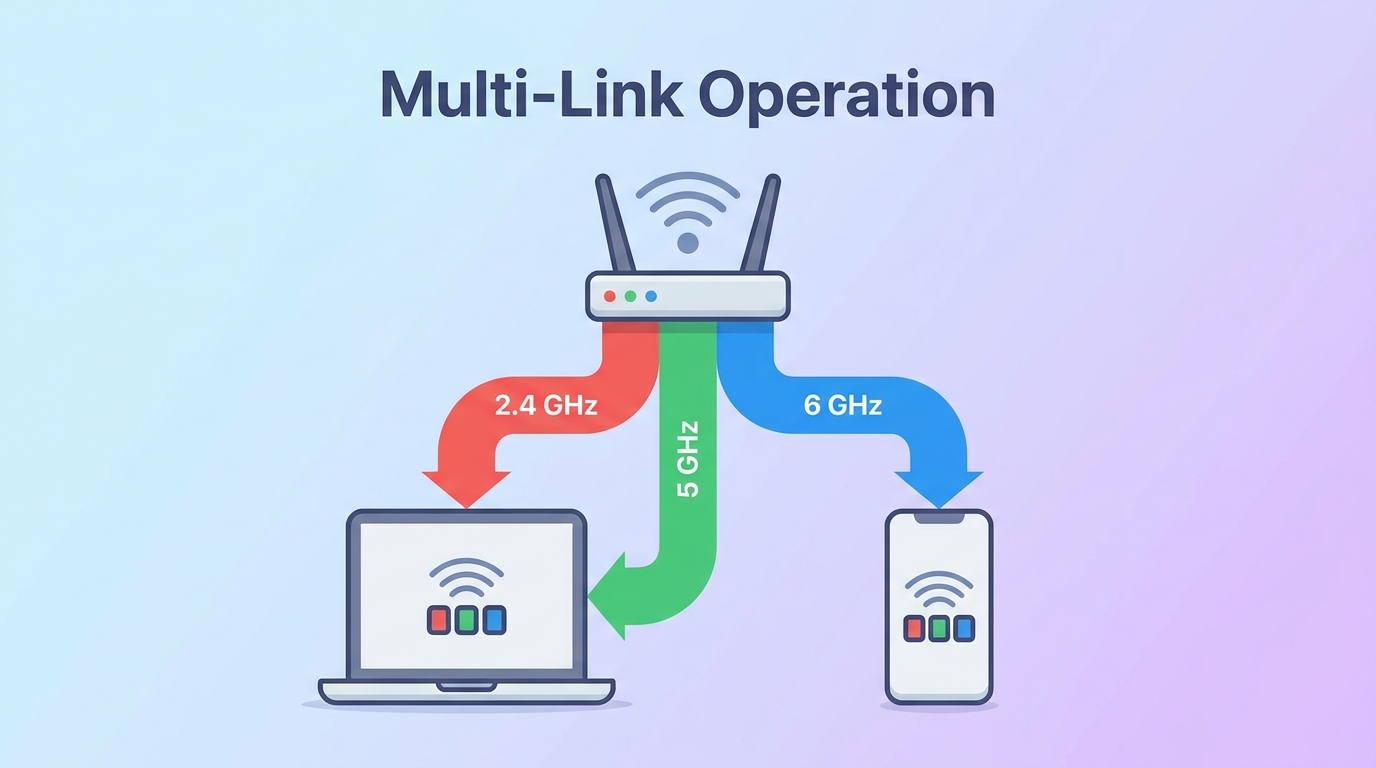
Multi-Link Operation (MLO) is the headline feature of Wi-Fi 7. Instead of locking a device to one band at a time, MLO lets a router and a compatible client send and receive traffic across multiple bands simultaneously, for example combining 5GHz and 6GHz. The result is higher aggregate throughput, lower latency, and improved reliability, because traffic can shift to whichever link is cleanest. For gaming, video calls, and dense smart-home setups, MLO is the single biggest reason to upgrade.
Do I need the 6GHz band?
The 6GHz band offers a huge slab of clean spectrum, enough room for multiple 320MHz channels, which is where Wi-Fi 7’s top speeds live. It is fast and largely interference-free, but its range is shorter and it does not penetrate walls as well as 2.4GHz. If you have many newer devices nearby or want the lowest-latency link for a gaming PC or VR headset, 6GHz is excellent. Just remember your client device also needs a Wi-Fi 7 (or 6E) radio to use it. Dual-band budget routers skip 6GHz entirely, which keeps prices low.
What do labels like BE9300 and BE19000 mean?
The “BE” prefix marks 802.11be (Wi-Fi 7), and the number is the combined theoretical speed across all bands in megabits per second, rounded. A BE3600 router tops out around 3.6Gbps combined; a BE9300 around 9.3Gbps; a BE19000 around 19Gbps. Higher numbers mean wider channels and more spatial streams, but no single device ever hits the combined figure. Treat the label as a tier indicator, not a promise.
Do I need new devices to benefit?
To unlock MLO, 320MHz channels, and 4K-QAM, your laptop, phone, or PC needs a Wi-Fi 7 adapter. That said, a Wi-Fi 7 router is fully backward compatible and will still improve an all-Wi-Fi-6 home thanks to better hardware, multi-gig ports, and smarter band steering. If your devices are older, a mid-tier router is plenty; save the premium tri-band models for when your clients catch up.
Product Spotlight: ASUS RT-BE96U
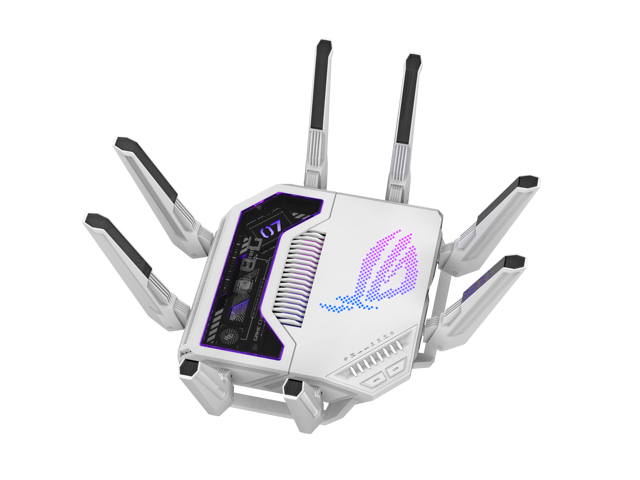
The ASUS RT-BE96U is a standout flagship-class standalone router. It is a BE19000 tri-band design with full 6GHz support, 320MHz channels, dual 10G ports, eight external antennas, and a 2.6GHz quad-core processor backed by 2GB of RAM. ASUS bundles AiProtection security, parental controls, VPN features, and traffic monitoring with no subscription, and it supports AiMesh so you can extend coverage later. For households that want top-tier wired and wireless throughput without recurring fees, it is one of the most complete single-unit options available.
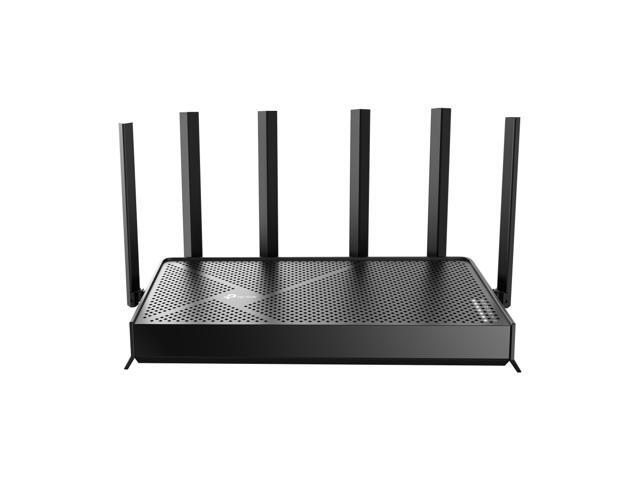
If you prefer a value-focused tri-band pick, the TP-Link Archer BE550 is a BE9300 router with five 2.5G ports, six internal antennas, EasyMesh support, and coverage up to about 2,000 sq. ft. It delivers the core Wi-Fi 7 experience, including 6GHz and MLO, at a far friendlier price.
How do the top 2026 picks compare?
| Router | Tier / Bands | Standout Ports | Approx. Price | Best For |
|---|---|---|---|---|
| TP-Link Archer BE230 | BE3600 dual-band | 2x 2.5G + 3x 1G | ~$99 | Budget Wi-Fi 7 starter |
| TP-Link Archer BE550 | BE9300 tri-band | 5x 2.5G | ~$200-250 | Best value tri-band |
| ASUS RT-BE96U | BE19000 tri-band | Dual 10G | ~$500 | No-subscription flagship |
| NETGEAR Nighthawk RS700S | BE19000 tri-band | 10G WAN | ~$700 | Max single-router speed |
| Amazon eero Max 7 | BE20800 mesh | 10G + 2.5G per node | ~$600 / unit | Whole-home mesh |
Standalone router or mesh?
A single powerful router like the RT-BE96U or RS700S is ideal for apartments and small-to-medium homes, especially when the router sits centrally. For larger or multi-floor homes with dead zones, a mesh system such as the eero Max 7 spreads coverage across multiple nodes and uses Wi-Fi 7 backhaul to keep speeds high between units. Mesh costs more, but it solves coverage problems that no single box can.
Recommendations
Best overall value: the TP-Link Archer BE550 gives you real tri-band Wi-Fi 7 with 6GHz, MLO, and multi-gig 2.5G ports at a mainstream price. Best flagship without fees: the ASUS RT-BE96U, with dual 10G ports and a free lifetime security suite. Best budget entry: the dual-band TP-Link Archer BE230 (BE3600) gets you MLO and 2.5G for around $99. Best whole-home coverage: the eero Max 7 mesh for sprawling floor plans. Best raw single-unit speed: the NETGEAR Nighthawk RS700S with a 10G WAN port.
Ready to upgrade? Browse the full Wi-Fi 7 router selection on Newegg, or compare the broader wireless routers category to find the right tier for your home and devices.
Related Posts
- How to Upgrade a Prebuilt Desktop PC: What You Can and Cannot Change
- Best PCIe 5.0 NVMe SSDs in 2026
- B850 vs B860: How to Pick a Motherboard in 2026
- Best CPU Coolers in 2026: Air vs AIO for Every Build
- Ryzen 7 9800X3D vs Core Ultra: Which CPU for Gaming in 2026?
Frequently Asked Questions
Common questions about Wi-Fi 7 routers, features, and which model to buy in 2026.